Order & File Handling
Handling Customization Files Without Losing or Mixing Them Up
A practical guide to keeping design files, personalization notes, and order context together before production starts.
CircleHalo Team
Updated July 2026
A custom order rarely arrives as a clean, single line item. There is usually a file, a name, a color note, a size preference, a customer message, or a revision that changes what production actually needs to make.
The problem is not that sellers are careless. The problem is that the information often starts together, then gets split across folders, screenshots, chat messages, spreadsheets, and memory. By the time the order reaches production, the person making the item may be looking at the order in one place, the file in another, and the final customer note somewhere else.
For a standard product, that might be annoying. For a personalized product, it can become the whole mistake.
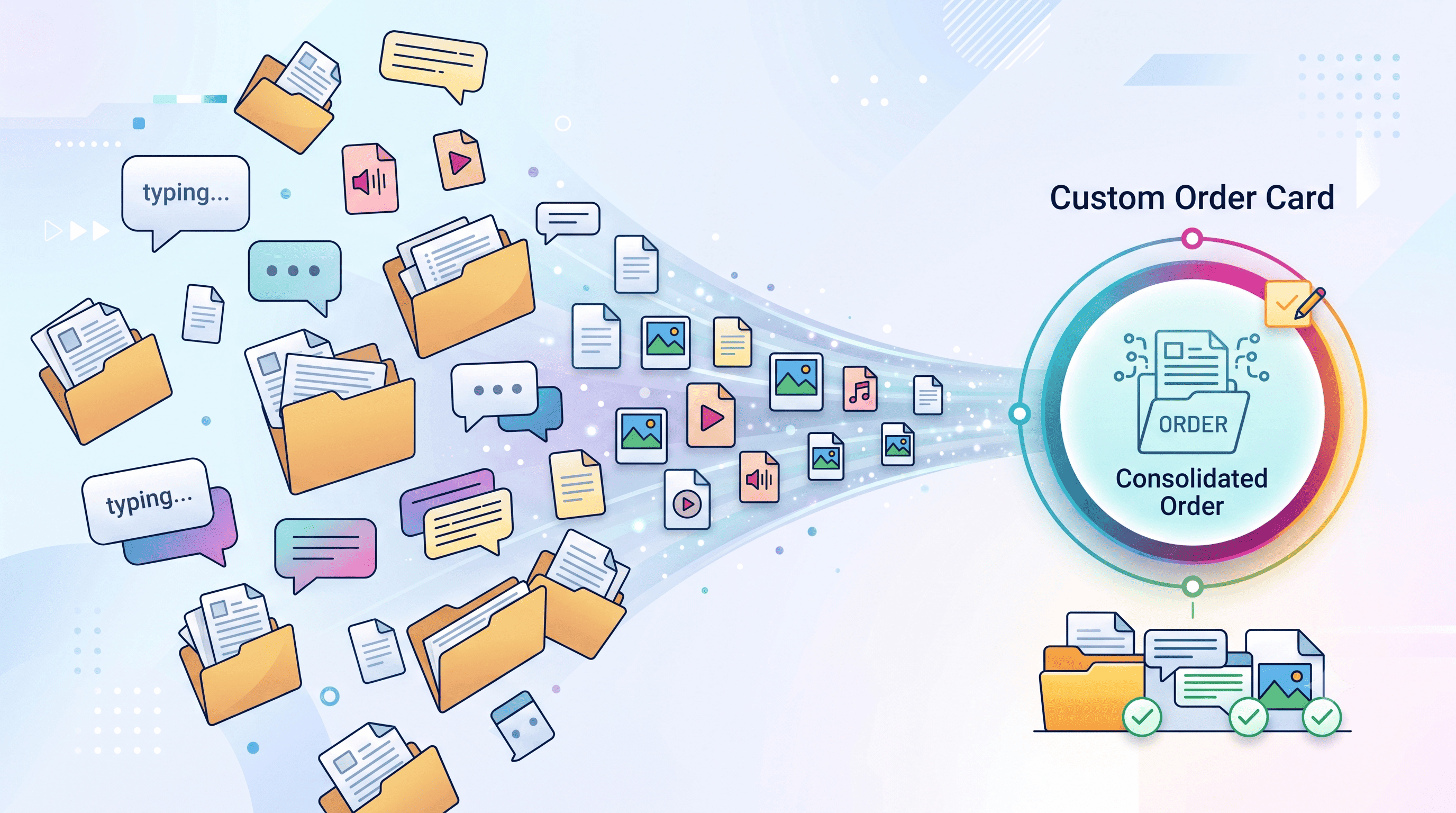
Where customization files usually go wrong
The risky moment is the handoff. A file is downloaded from one place, renamed, moved into a folder, maybe duplicated, maybe sent to a designer, then later sent to production. Every manual step gives the file a chance to drift away from the order it belongs to.
It gets harder when multiple orders look similar. Two customers order the same product with different names. Two files have nearly identical filenames. One customer sends a corrected version after the first version was already saved. Nobody is trying to make a mistake, but the workflow is asking people to remember too much.
| Risky habit | What can happen | Safer operating habit |
|---|---|---|
| Saving files in shared folders by hand | The wrong file can be attached to the wrong order number | Keep the file attached to the order record itself |
| Tracking customer notes in chat | The latest instruction gets buried or missed | Keep notes beside the file and order context |
| Using unclear file names | Old and new versions become hard to tell apart | Make the approved version obvious before production |
| Moving orders forward without review | Production uses assumptions instead of confirmed details | Add a quick file-and-note check before production |
The goal is not to make your team remember more. The goal is to design the workflow so there is less to remember.
Keep the file, the note, and the order decision together
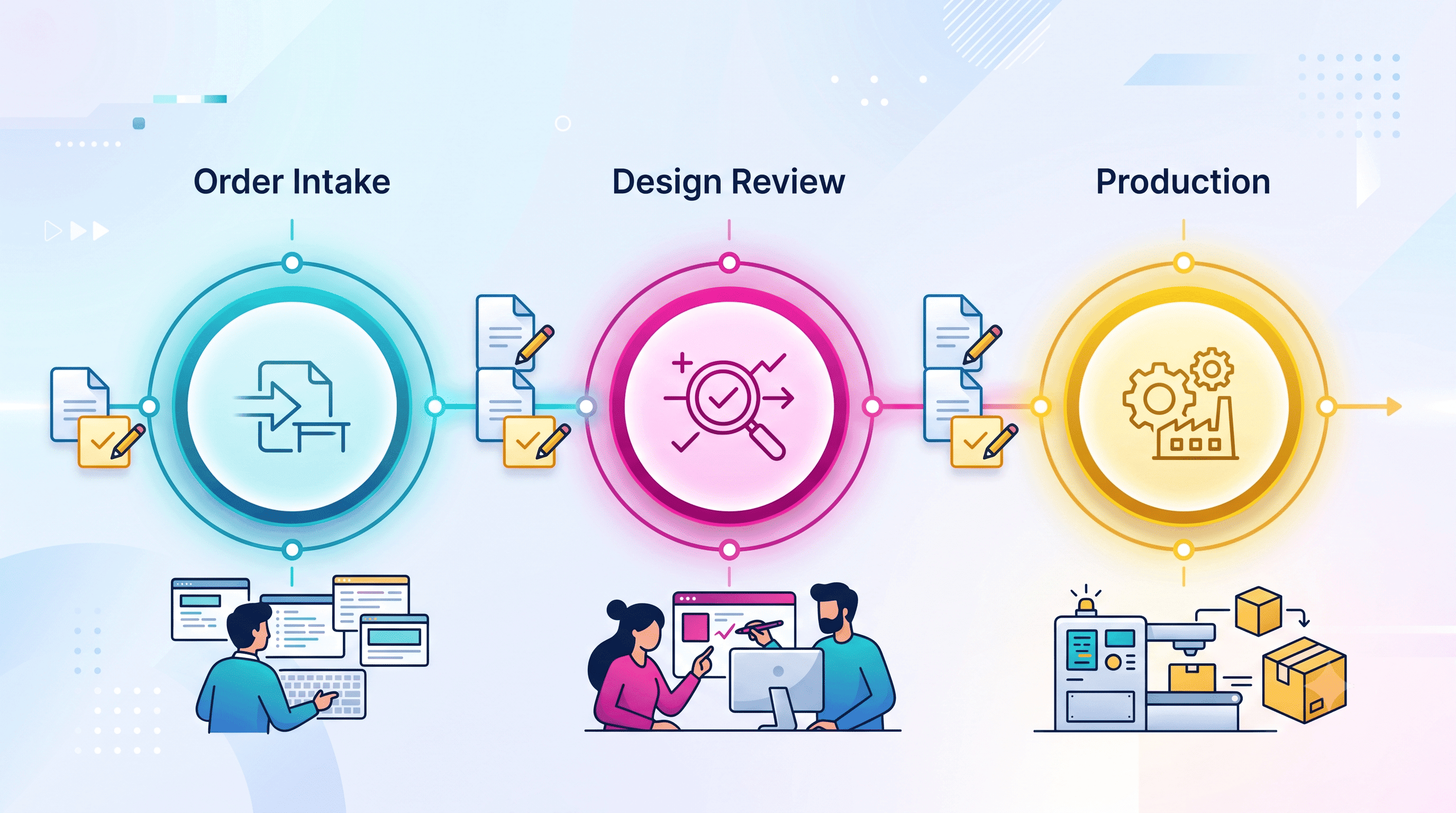
A reliable personalization workflow keeps three things in the same context: the file, the customer instruction, and the current production status. If those three are separated, the team has to rebuild the story every time they touch the order.
Imagine a customer orders a personalized sign. The original file says “Sofia,” then the customer writes back and says the name should be “Sophia.” If the corrected note lives only in a message thread, production may still use the first file. If the corrected file is attached to the order but the note is not, someone may not know why there are two versions. If the status says “In production” but nobody checked approval, the team may already be too late.
A better process makes the approved version visible before the order moves forward. The production team should not need to ask, “Is this the final file?” The order should already answer that question.
A practical file-handling checklist
Before a personalized order moves into production, your team should be able to answer these questions without opening five tools:
- Is the required file attached to the correct order?
- Is there more than one version of the file?
- Which version is approved for production?
- Do the customer notes match the file?
- Has any late change been captured in the order context?
- Is the order status still waiting for review, or is it ready to move forward?
This checklist does not need to be complicated. In fact, the shorter it is, the more likely the team will actually use it. The important thing is that it happens before production starts, not after a customer spots the mistake.
How CircleHalo fits into this workflow
CircleHalo is built around the idea that files, notes, production status, and order context should stay together. Design files, variations, customer details, and internal notes can remain attached to the order as it moves through the workflow, so the team does not have to rebuild the order story from scattered tools.
That matters most when work moves from one person to another. The designer, production team, and operations lead should all be looking at the same order context — not different fragments of the truth.
If your team is growing past folders, screenshots, and “I think this is the final version,” the next step is to make the order itself the place where the file and the decision live.