Order Accuracy
How to Stop Shipping the Wrong Custom or Personalized Order
A practical guide to catching wrong files, missing notes, and risky custom orders before they become expensive production mistakes.
CircleHalo Team
Updated July 2026
A wrong custom order does not feel like a normal mistake. If a standard product ships in the wrong color, the customer is frustrated. If a personalized product ships with the wrong name, wrong file, wrong date, or missing note, it feels personal.
That is why prevention has to happen before production, not after shipping. Once the item is made, the best you can do is apologize, remake, or refund. Before production, you still have options.
The best prevention system is not a giant checklist nobody uses. It is a workflow that keeps the details visible at the exact moment a decision is being made.
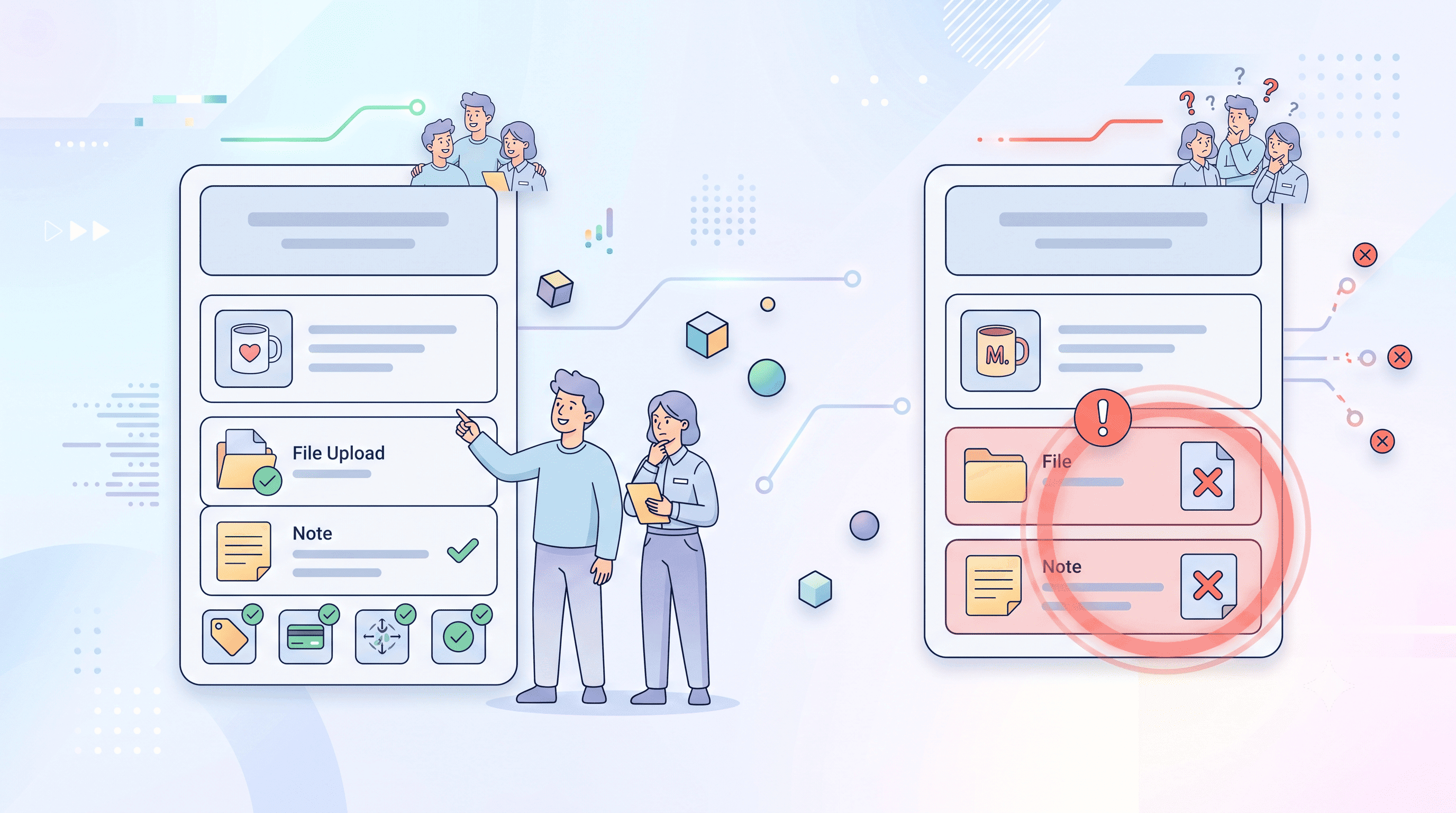
Wrong orders usually start as small disconnects
Most mistakes are not dramatic. A note is missed. A file version is unclear. A customer change comes in after the order was already reviewed. One teammate assumes another teammate checked the spelling. The order moves forward because nothing looks obviously wrong.
By the time the mistake is visible, it has already become expensive.
| Disconnect | Typical result | Prevention habit |
|---|---|---|
| Customer note is separate from the order | Production uses the file but misses the instruction | Keep notes beside the order and file |
| Multiple file versions exist | An older version gets produced | Mark or confirm the approved version before production |
| No status gate before production | Orders move forward with unresolved details | Use a review stage before production starts |
| Unusual orders look like normal orders | Risky requests get missed in the queue | Use tags or alerts to flag extra attention |
The earlier a custom order mistake is caught, the cheaper and easier it is to fix. The best place to catch it is before production starts.
Create one final review moment before production
Every made-to-order workflow needs a point where someone asks, “Do we have everything we need to make this correctly?” That review does not need to be slow. It just needs to be real.
The review should compare the order, the file, the customer note, and the current status. If those do not agree, the order should pause. A pause at this point is not a failure; it is the workflow doing its job.
- Confirm spelling, dates, names, and custom text.
- Confirm the correct file version is attached.
- Confirm the customer approval status, if approval is needed.
- Confirm special notes are visible to production.
- Confirm the order is in the correct production stage.
This is also where your team should flag anything unusual: rush timing, gift notes, high-value orders, uncommon product requests, or anything that looks easy to misunderstand.
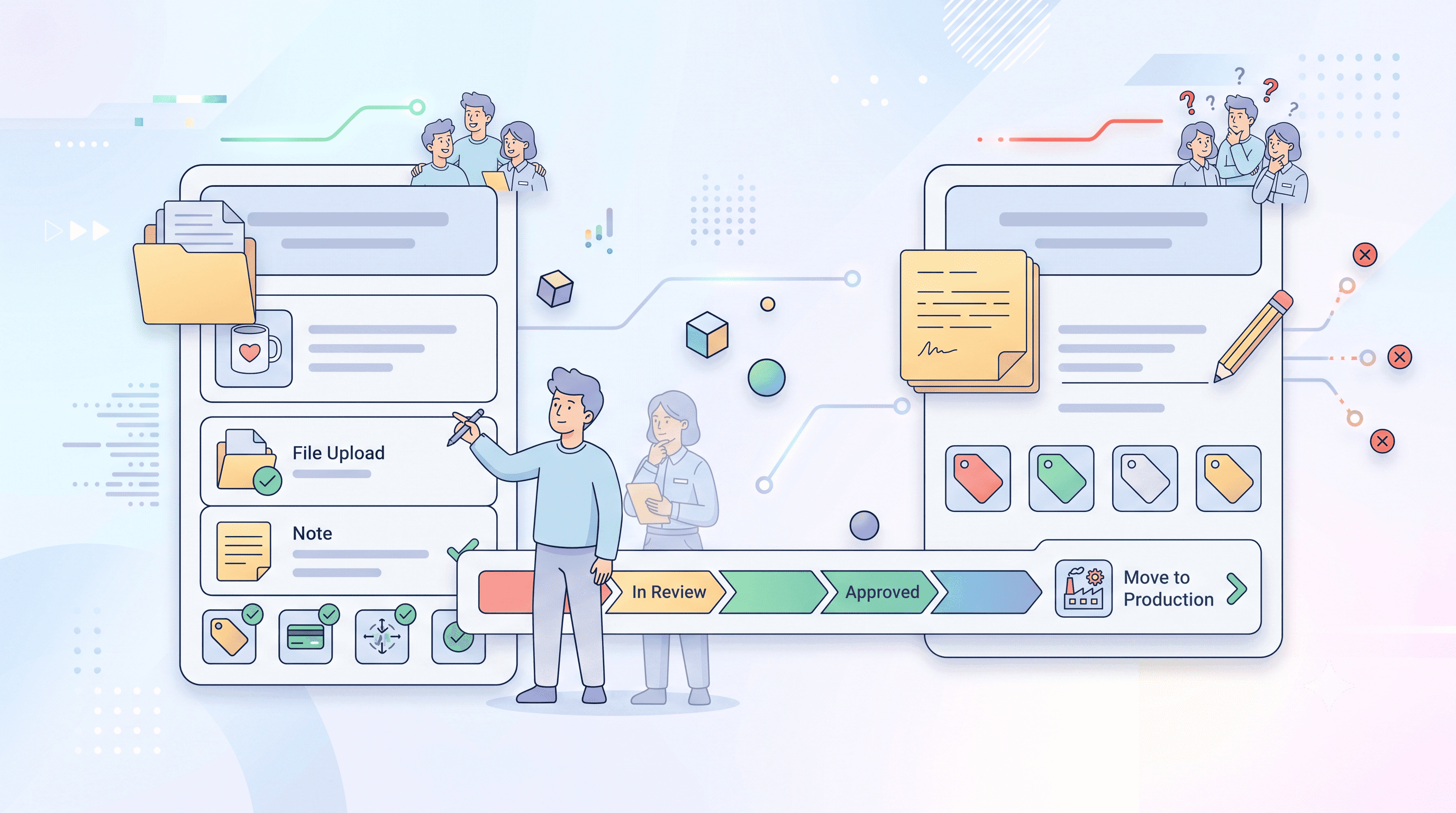
Use tags and alerts for orders that need attention
Not every order needs the same level of attention. The problem is that risky orders often look normal until someone reads every detail carefully. Tags help make those differences visible.
A tag can say “gift note,” “needs approval,” “rush,” “unusual request,” or anything your team uses to slow down at the right moment. Alerts can then help bring attention to orders that match certain conditions, such as a buyer note, gift note, order country, store, product category, SKU, order tag, or production status.
The point is not to automate judgment away. The point is to make sure the right order gets human attention before it becomes a production mistake.
How CircleHalo helps reduce custom-order mistakes
CircleHalo keeps files, notes, tags, and production status connected to the order. That gives the team one place to check before moving the order forward. Instead of asking people to search through folders and message threads, the order context stays together.
Teams can use tags to flag orders that need extra care, and rule-based alerts can bring attention to orders that meet specific conditions. Production status also makes it easier to see whether an order is ready to move forward or still needs review.
No system can remove the need for care in a personalized-product business. But a clearer workflow can make the important details harder to miss.