Production Workflow
Production Stages Explained: From Order In to Ready to Ship
A practical stage framework for made-to-order sellers who need clearer handoffs, fewer assumptions, and better production visibility.
CircleHalo Team
Updated July 2026
Made-to-order work becomes messy when nobody can answer a simple question quickly: “Where is this order right now?”
The answer should not depend on who happens to be online, which chat thread was used, or whether someone remembered to update a spreadsheet. When a custom order has files, notes, approvals, and production steps attached to it, status becomes the operating system of the team.
Production stages are not about making the workflow look formal. They are about making the work visible enough that people can act on it.
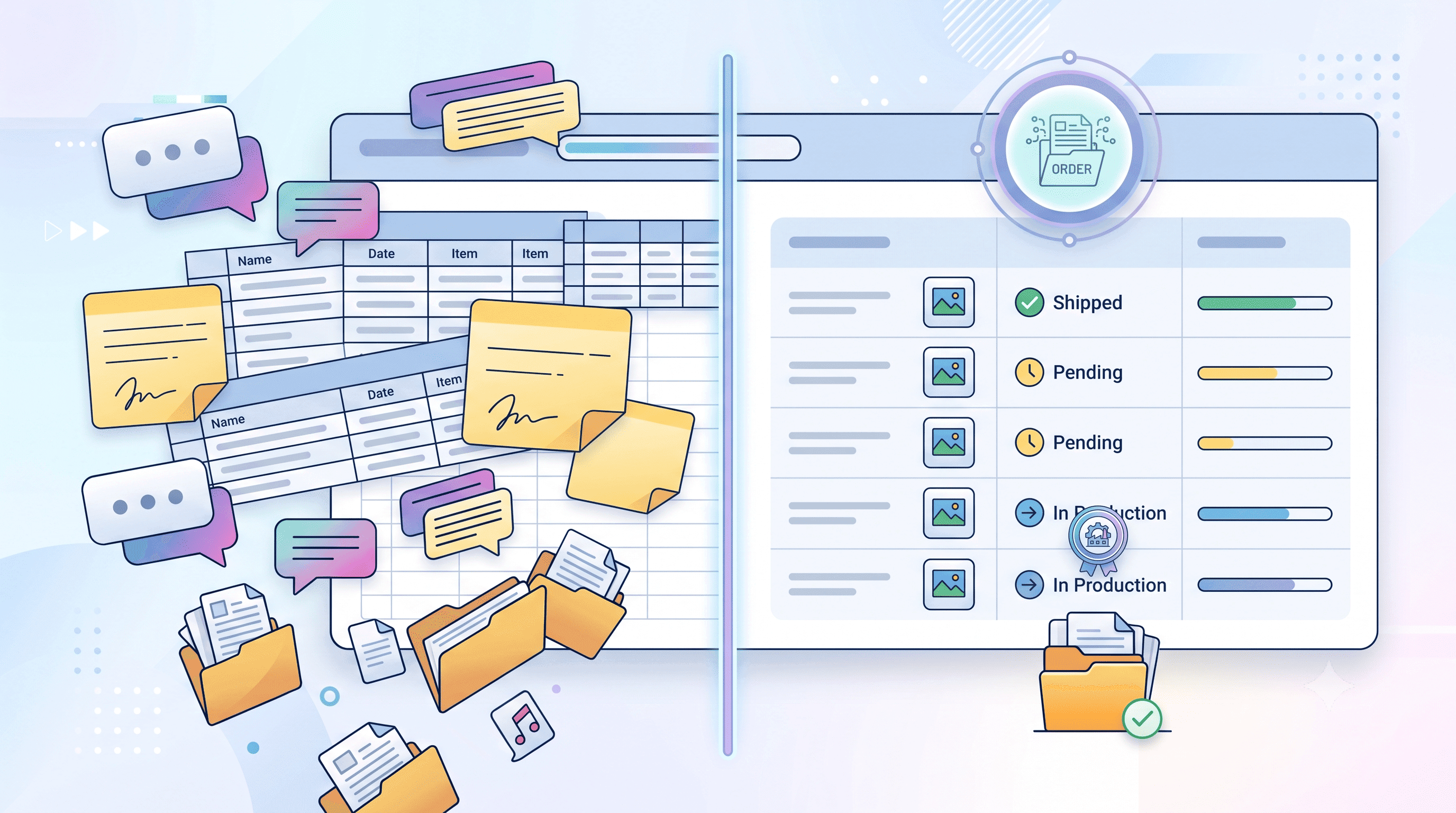
Use stages to show decisions, not just progress
A weak production status says “in progress.” A useful production status tells the team what decision has already happened and what decision is still waiting.
For custom-product sellers, the difference matters. “In production” is not the same as “waiting for customer approval.” “Ready for design review” is not the same as “quality check.” Each status should reduce uncertainty for the next person touching the order.
| Stage | What it tells the team | What to check before moving forward |
|---|---|---|
| Ready for design review | The order is received, but details need review | File, note, personalization details, unclear requests |
| Waiting for customer approval | Production should not start yet | Proof sent, approval received, changes captured |
| In production | The item is actively being made | Approved file is being used, no missing detail remains |
| Quality check | The item needs final verification | Output matches order, file, and approval |
| Ready to ship | The order has passed internal checks | Nothing is waiting for correction or confirmation |
A good stage name should make the next action obvious. If the team still has to ask what it means, the stage name is too vague.
Do not create more stages than your team can maintain
It is tempting to map every tiny step. That usually creates a beautiful workflow nobody keeps updated. A small team is better served by a few stages that are used consistently than by a perfect process that only exists on paper.
Start with the decision points that actually change how the order should be handled. Does someone need to review the design? Is the customer holding the process? Is the item being made? Is it being checked? Is it ready to leave?
When you notice the same type of order getting stuck repeatedly, add a stage only if it gives the team a clearer action. Otherwise, use a tag or note instead of turning every exception into a new status.
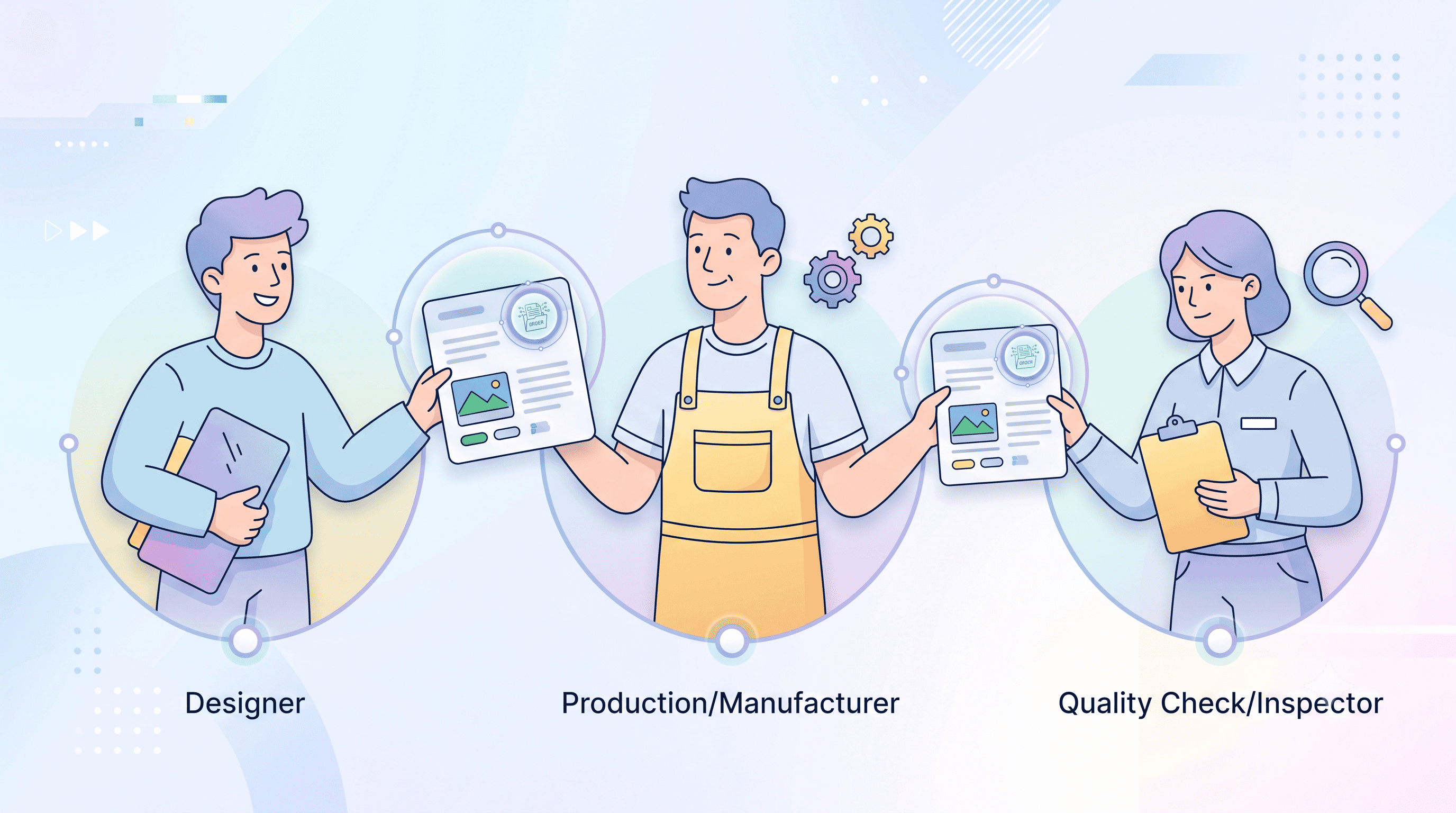
Make handoffs visible
Status is most valuable at the moments where work moves between people. Sales hands the order to design. Design hands it to production. Production hands it to quality check. Quality check hands it to shipping.
Those handoffs are where missing files, unclear notes, and assumptions create delays. A production stage should act like a clean handoff note: “this order is ready for the next person, and here is why.”
- Before design review ends: confirm the personalization details are readable.
- Before approval ends: confirm the customer actually approved the version being used.
- Before production ends: confirm the item matches the approved file and notes.
- Before quality check ends: confirm issues were resolved, not just noticed.
How CircleHalo fits into production status tracking
CircleHalo keeps production status attached to the order alongside files, personalization details, and notes. That means the status does not live in a separate spreadsheet or chat message; it stays with the order context the team is already using.
For a made-to-order team, that matters because every order has a slightly different story. When status and context are together, the team can see both where the order is and why it is there.
The goal is not to force every seller into the same production workflow. The goal is to give your team a clear shared language so custom orders do not get lost between steps.